


Product description
Automate your way to bliss using Power Automate licensing that may already be included with your organization’s existing Microsoft licensing. Form the tightest possible integration between Teams, Dynamics 365, Excel or any other Microsoft service using Microsoft’s own automation solution.
This plugin is the easiest way to integrate with all of the 1000+ services offered in Power Automate, including Microsoft Dynamics, Microsoft Teams, Outlook, Excel, and more.
You can use this plugin to automatically create Products in your WooCommerce store from data in your Dynamics 365. You can use this plugin to automatically create a list of completed orders inside of SharePoint or Excel. You can use this plugin to integrate a virtual agent (chat bot) inside of Microsoft Teams directly to your customer data within WooCommerce.
Our users find the triggers on Orders and Subscriptions to be most useful. They allow WooCommerce, through the Power Platform, to become an active part in their larger business processes, eliminating and simplifying steps manually taken.
Another very popular use case is to use an approval process when an order is refunded, which helps alert the team when actions need to happen.
Trigger: When a WooCommerce event happens
Trigger your flows on Customers, Coupons, Orders, Products & Subscriptions.
With a single powerful trigger, you can use WooCommerce events across your entire store to trigger your flows from Coupons, Customers, Orders, Order Notes, Products (and Subscriptions if enabled).
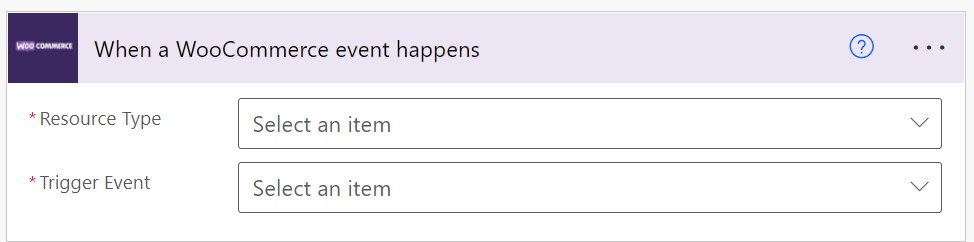
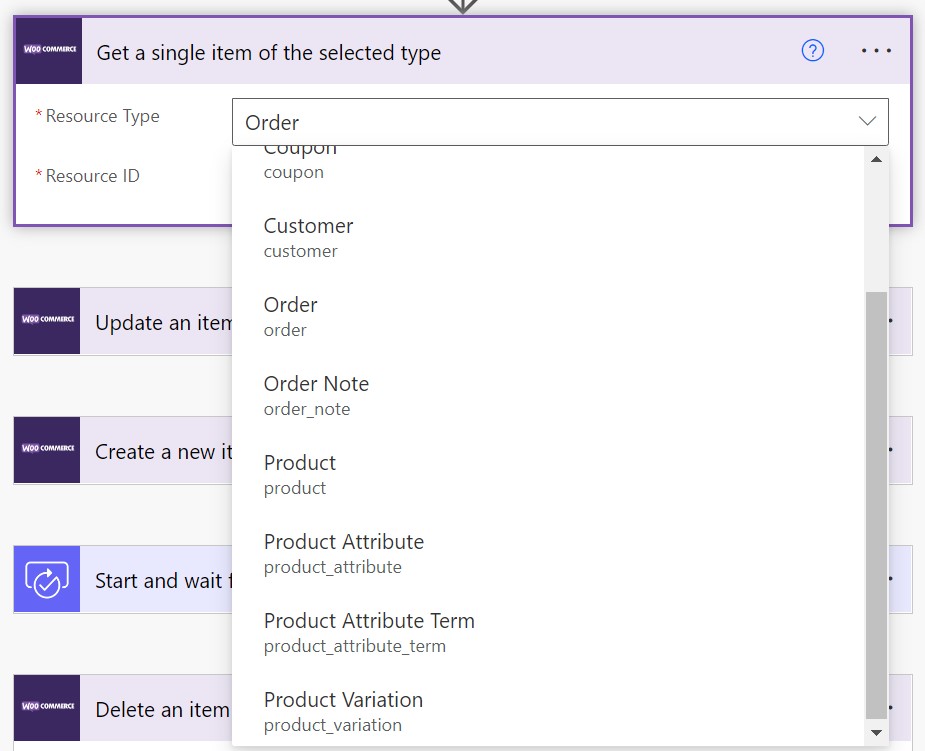
The trigger is fully dynamic and powered from your own store. By default, you have access to the following resource types:
- Coupon (if enabled)
- Customer
- Order
- Order Note
- Product
- Subscription (if enabled)
Once you select a resource, you are presented with various options for events on that resource.
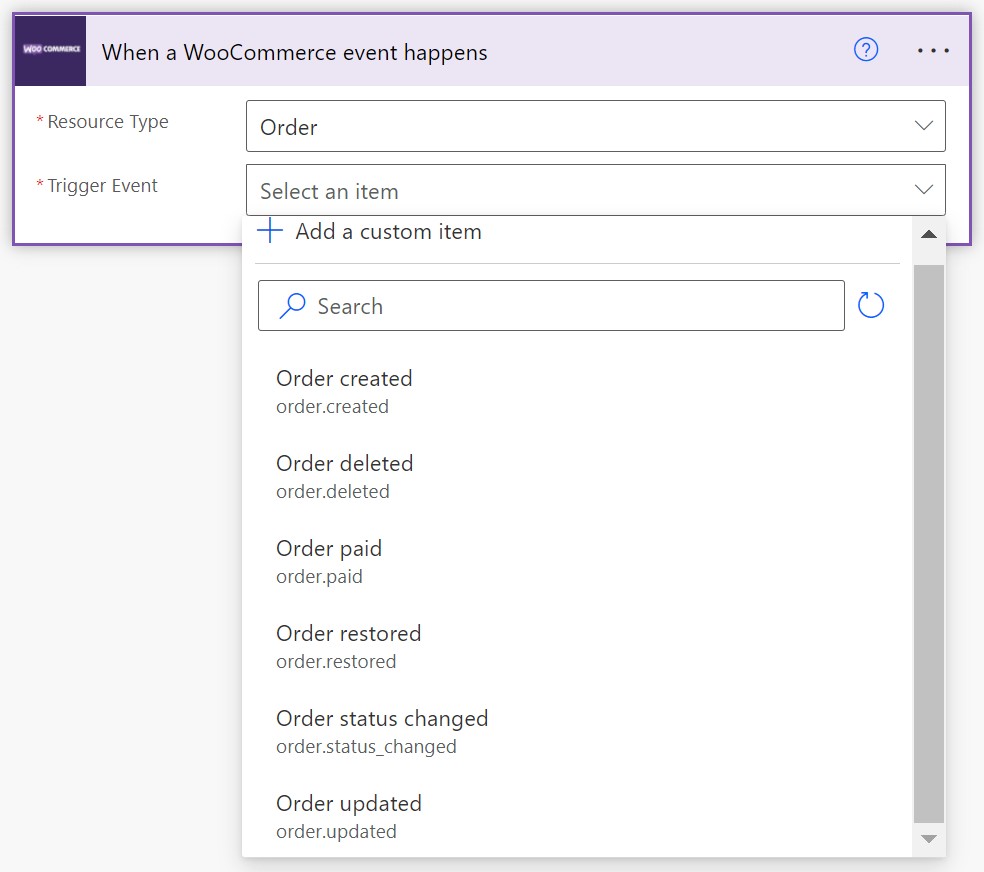
Order events will trigger whenever the selected event happens inside of WooCommerce and pass the order object in as it exists after the change. (There is no way to know the changes that have been applied at this time.)
Over time, the plugin will be updated to provide you with full details of the changes and many more event types.
Trigger events are fully customizable on the WooCommerce side with custom programming, allowing you to support your own unique event types.
Actions
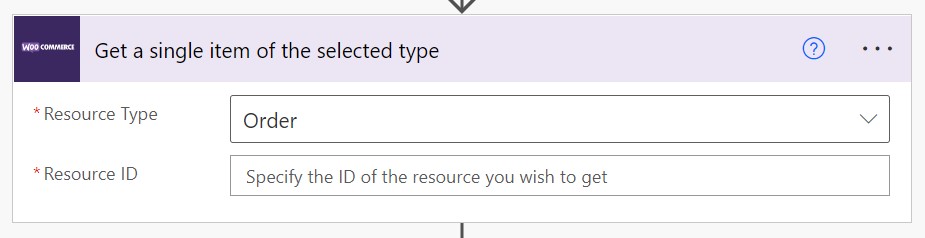
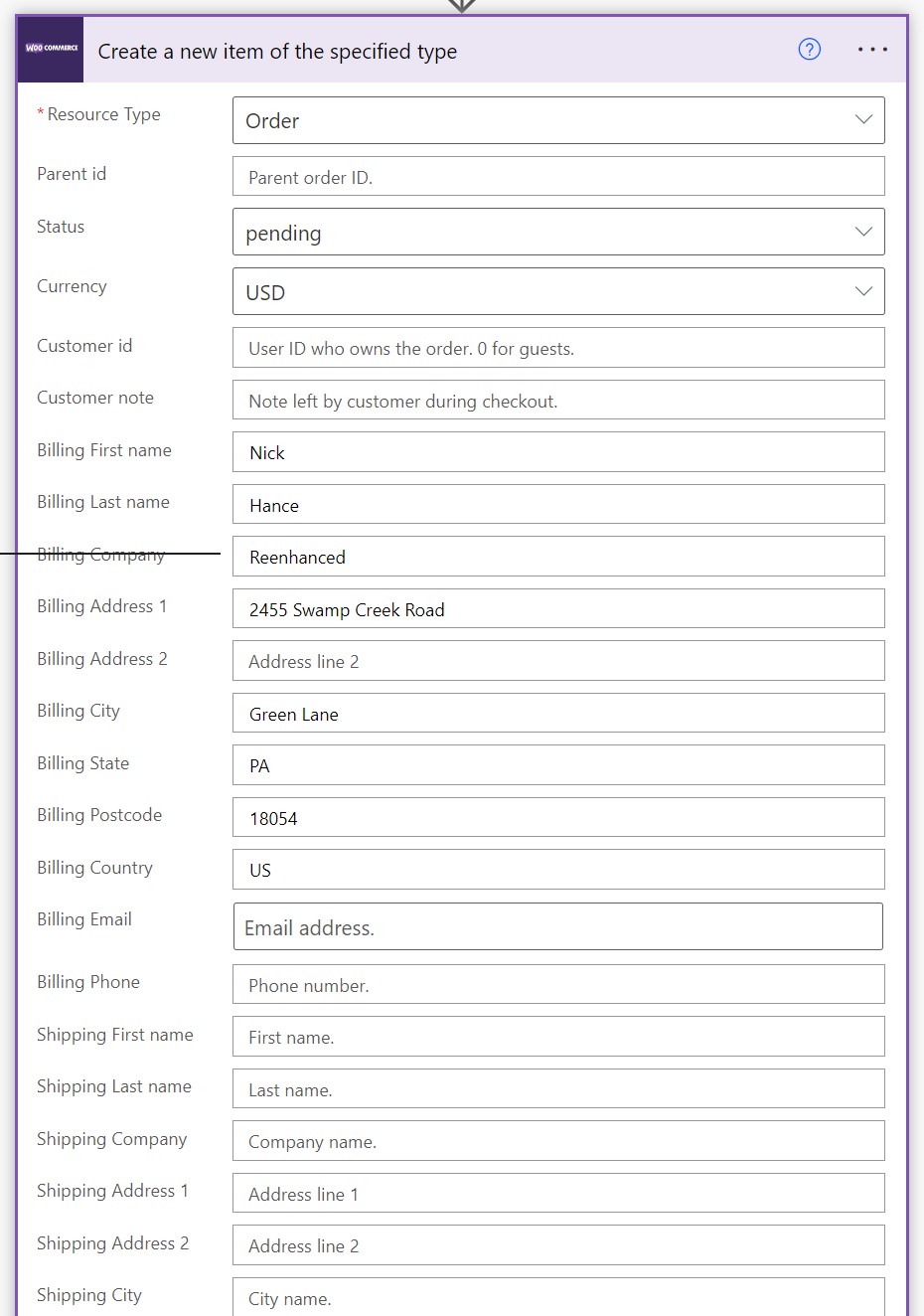
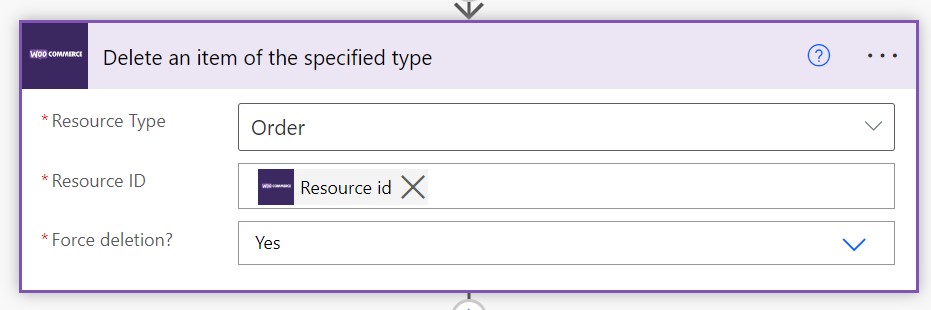
Actions allow you to Create, Find, Update, or Delete any of your Coupons, Customers, Orders, Order Notes, Products, and/or Subscriptions.
This means you can easily integrate WooCommerce with Microsoft Dynamics, Microsoft Teams, Excel, Outlook, Office 365, SharePoint or more than 1000 other services available through Power Automate.
Using Power Automate, you can easily integrate your WooCommerce store with enterprise level systems like Dynamics 365. You can build PowerApps that integrate directly with your fulfillment staff. You can integrate WooCommerce easily with many other systems while taking advantage of the full Power Platform.
Through the ease of use of Power Automate’s no-code platform, these integrations are simple and easy for you or your administrators to understand, allowing you to update or modify them easily as you discover new ways to take your store to the next level.
Actions available for you:

When you select each action you are presented with a choice of resource type, which is the same as the list available for triggers.
When you select a resource type, the rest of the action fields are dynamically loaded based on the type of resource and action you have chosen. All of this runs from the WooCommerce side, allowing you complete control over how your connector works. You can customize it for your store and add new dynamic resources and actions and fields!
Requirements
Minimum PHP version: 5.6.20
Integrate your store with Power Automate today.